
Common 3D Printing File Types
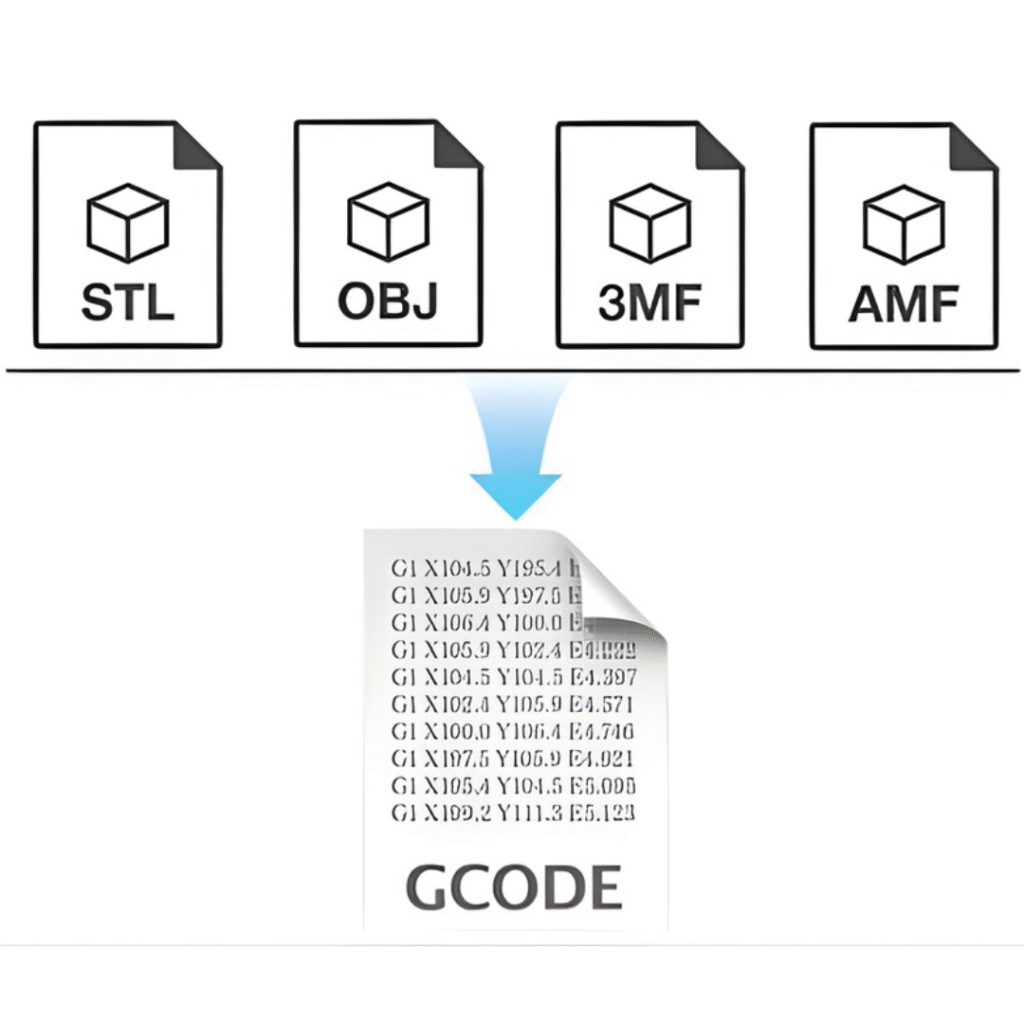
In digital manufacturing, choosing the right file format directly affects print quality, surface detail, color accuracy, and workflow efficiency. Each format serves a specific purpose — from early-stage design to final production. The most common 3D printing file types are STL (universal, basic geometry), 3MF (modern, supports color/materials), and OBJ (detailed, supports textures). These files are sliced into G-code, which tells the printer how to move. Other formats include AMF for complex, multi-material prints and STEP for engineering
When to Use Them
The most common 3D printing file types are:
STL – The most widely used format. It contains basic geometry only (no color or material data). Reliable and supported by almost every slicer and printer.
3MF – A newer, more advanced format. It supports colors, materials, and additional print settings in one compact file.
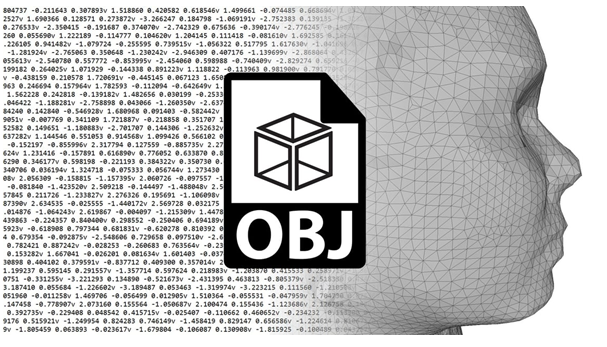
OBJ – Similar to STL, OBJ additionally supports textures and color information for more detailed models.
These files are imported into slicing software, which converts the model into G-code. G-code is the machine language that tells the printer exactly how to move—where to go, how fast to print, layer height, temperature, and other settings.
Other important formats include:
AMF – Designed for complex and multi-material prints with improved geometry handling.
STEP – An engineering CAD format that preserves precise dimensions and solid geometry, commonly used for mechanical and industrial parts before exporting to a printable format.
Comparison of 3D Printing File
| File Type | Geometry | Color | Materials | Print Settings | Most Common Use |
|---|---|---|---|---|---|
| STL | ✔ | ✖ | ✖ | ✖ | Standard prints |
| OBJ | ✔ | ✔ | Limited | ✖ | Color models |
| 3MF | ✔ | ✔ | ✔ | ✔ | Modern full workflow |
| AMF/STEP | ✔ | ✔ | ✔ | ✔ | Accurate Industrial use |
| G-code | ✖ | ✖ | ✖ | ✔ | Printer execution |
In simple terms:
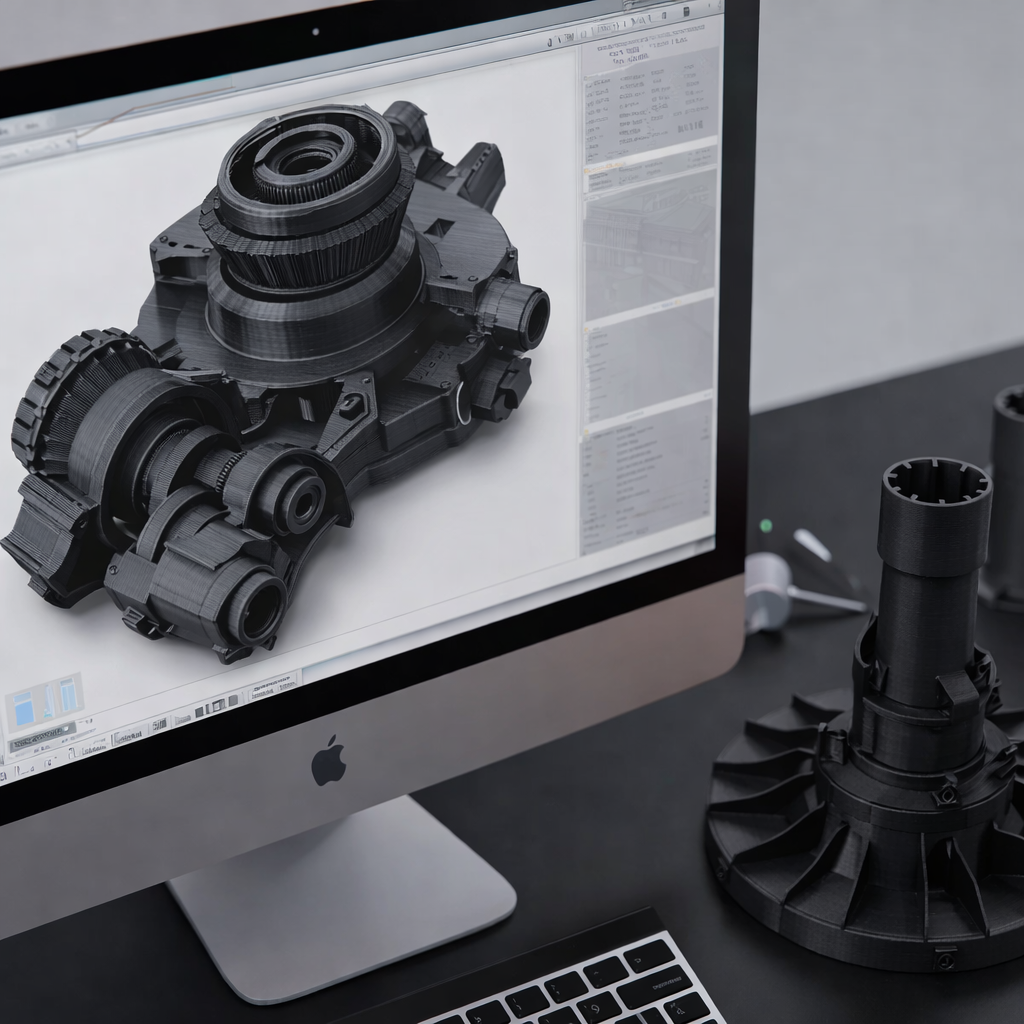
Design file (STL/3MF/OBJ/STEP) → Slicer → G-code → 3D Printer.
What is 3D Printing?
3D printing is a way of making physical objects from a digital design. Instead of cutting material away (like traditional machining), it builds objects layer by layer — this is why it’s called additive manufacturing.
A 3D printer follows instructions from a computer file and carefully places material in the exact shape of the design. Depending on the type of printer, it may:
Melt and deposit plastic filament
Cure liquid resin with light
Fuse powder using heat or lasers
Melt and fuse metal
3D printing is commonly used for:
Prototyping – quickly testing how a part looks and fits
Production parts – creating functional components
Tooling and fixtures – making tools or jigs
Education – helping students understand design concepts through physical models
In short, 3D printing turns digital designs into real objects with high precision.
What are 3D Printing Files?
3D printing files are digital models that tell the printer what to build. These files contain the shape and structure of the object and guide how it will be created layer by layer.
There are two main types of 3D printing files:
1. Mesh-Based Files (Surface Models)
Examples: STL, OBJ
Store the object as a surface made of small triangles
Focus on the outer shape
Commonly used for final printing
These are simple and widely supported but do not store detailed engineering information.
2. CAD-Based Files (Engineering Models)
Examples: STEP, SLDPRT
Store precise dimensions and relationships between features
Allow engineers to modify and refine the design
Used during the design and development phase
Before any 3D printing begins, these files are first processed in advanced slicing software. This software not only converts the digital models into precise machine instructions for the printer, but it also ensures accuracy, optimizes print paths, and prepares the design for successful fabrication. Additionally, by analyzing the geometry and settings, the slicer helps prevent errors, reduces material waste, and ultimately guarantees a high-quality finished product.
In simple terms:
Design File → Slicer → Printer → Physical Object
The type of file you choose affects surface quality, accuracy, and how easily the design can be edited — making file selection an important part of the 3D printing workflow.
Can 3D Printing File Formats Affect Print Quality?
Yes — the file format can directly impact print quality.
3D printing file controls how your digital design is translated into layers. If the file does not accurately represent the geometry, the printed part will reflect those limitations.
Here’s how formats influence quality:
1. Mesh Resolution Affects Surface Smoothness
Mesh formats like STL or OBJ represent surfaces using small triangles.
If the mesh resolution is low (coarse) → curves look faceted or rough.
If the mesh resolution is high (fine) → curves appear smooth and more accurate.
The printer can only follow the geometry it receives.
2. Dimensional Accuracy Depends on Data Structure
Parametric CAD formats like STEP preserve exact dimensions and geometric relationships.
This allows engineers to refine and verify measurements before exporting to a printable mesh.
Better source geometry = better final accuracy.
3. Feature Detail and Edge Clarity
File structure influences how well small features, sharp edges, and internal geometries are interpreted during slicing. Poorly defined meshes can soften edges or distort small features.
The file format itself doesn’t change the printer’s hardware capability — but it determines how accurately your design is translated into machine instructions.
Clean, high-resolution, well-structured files lead to better surface finish, sharper details, and improved dimensional accuracy.
Are 3D Printing Files Required for 3D Printing?
Yes — 3D printing files are absolutely required.
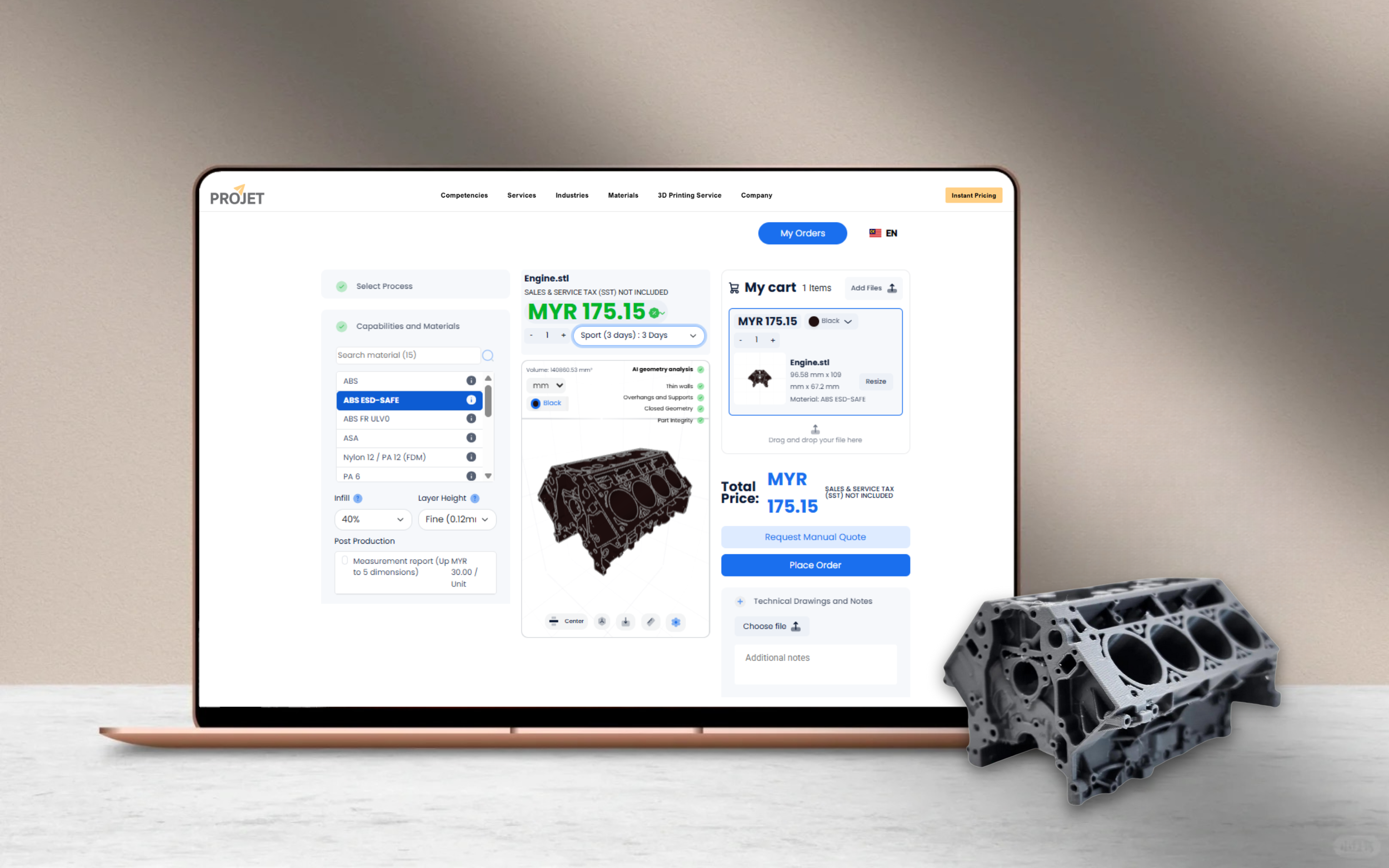
A 3D printer cannot operate on its own. It needs a digital file that tells it exactly what to build and how to build it.
Here’s how it works in simple terms:
The 3D file contains the object’s shape, size, and features.
Slicing software converts that file into G-code (machine instructions).
The printer follows those instructions to control movement, speed, temperature, and layer height.
The file provides:
Exact dimensions
Surface boundaries
Internal features
Layer-by-layer build information
Without a properly prepared 3D printing file, the printer has no instructions, meaning it cannot create a complete or accurate object.
Another way to put it could be:
No file, no instructions, no print.
3D Printing Service Malaysia , 3D Printing service Singapore , 3D Printing service KL , 3D Printing service Selangor, 3D Scanning Malaysia
Why Partner with Projet ?
Selecting the right manufacturing technology is important—but choosing the right manufacturing partner is what truly drives success. Not only do companies across the electronics, automotive, consumer products, aerospace, and medical industries trust Projet for our solutions, but they also value us as a dedicated partner in achieving success. Here’s why we stand out:
A True One-Stop Solution
We provide a seamless experience by offering a comprehensive suite of manufacturing services under one roof. This integrated approach streamlines your supply chain and simplifies the journey from concept to a market-ready product.
Engineering Expertise You Can Count On
Our experienced engineering team acts as a dedicated extension of your own. We excel at solving complex manufacturing challenges and collaborate closely with you to optimize your designs for quality, cost-effectiveness, and manufacturability.
Flexible Production Volumes to Match Your Needs
Whether you require a single prototype or a high-volume production run, our manufacturing capabilities are designed to scale with your demands. We support your product’s entire lifecycle, from initial launch to full-scale production.
Rapid Turnaround for a Faster Time-to-Market
In today’s fast-paced market, speed is a crucial advantage. We deliver fast, transparent quotes and pride ourselves on our rapid turnaround times, helping you get your innovative products to market sooner.
3D Printing Services
Instant Price